
docserve
Serves a folder of HTML as a card gallery with live reload.
Gallery
Card grid, iframe previews, copy-path button.
Auto reload
Changes appear instantly.
Desktop & CLI
Control it from the menu bar or the terminal.
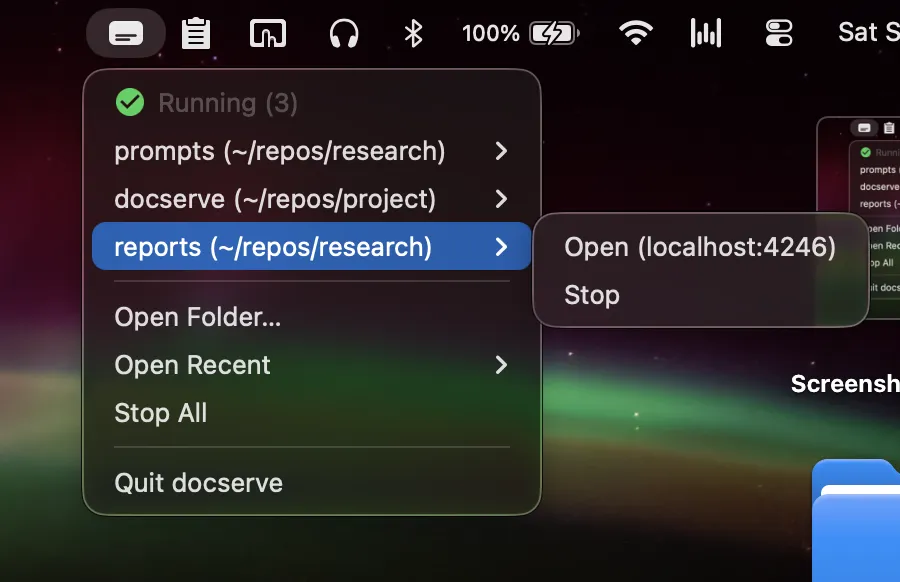
1
2
Launch — on the security warning, click Done (not Move to Trash), then approve via Open Anyway in System Settings → Privacy & Security
The warning appears because docserve isn't signed with an Apple Developer certificate ($99/year).
3
Pick a folder — the gallery opens in your browser
npx @noy4/docserve ~/reports --open
Or install globally: npm install -g @noy4/docserve — then run docserve <folder>.

Manage docserve servers from VSCode.
Install from the Marketplace
Turn a folder into a live gallery
Zero dependencies. Free and open source.